ADVANCED · 8 MODULES · 64 LESSONS

Claude Code in Parallel and in the Cloud

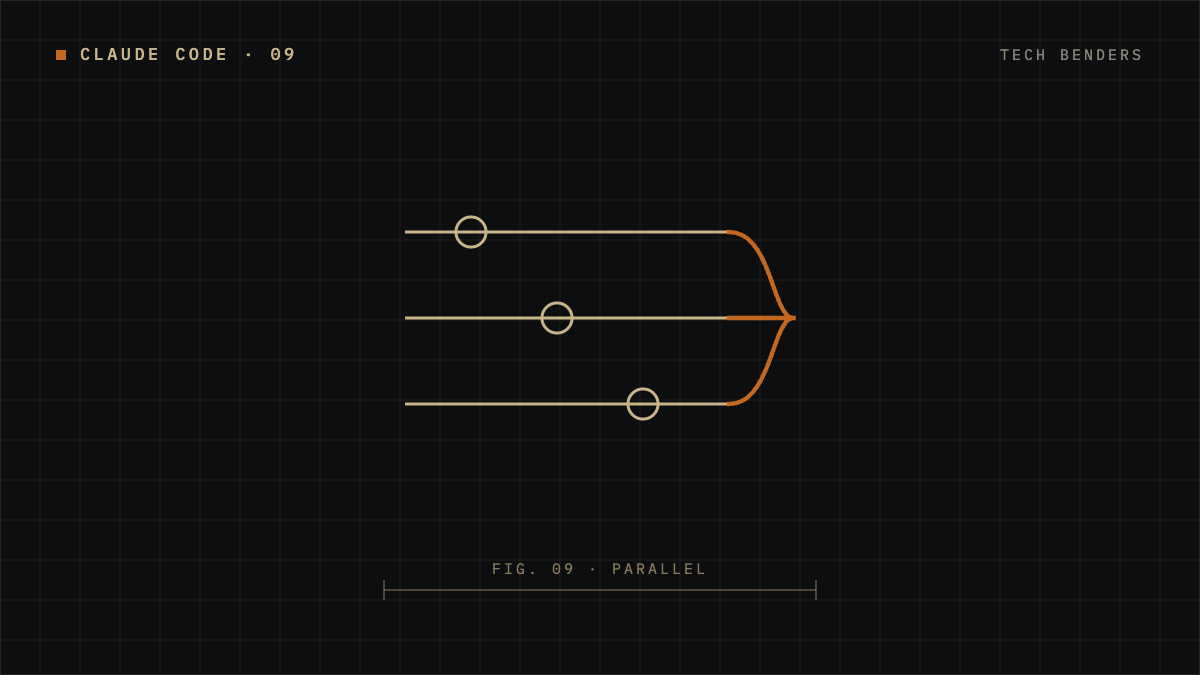
Run several Claude Code sessions at once, on your machine and in the cloud, without them stepping on each other, while you decide what gets merged.

For you if
You already use Claude Code daily and spend more time waiting than working.
By the end
You'll know how to use worktrees, background sessions, scheduled tasks, and automated reviews, plus what they cost and where they stop.
You need
Claude Code foundations, Git with GitHub, and Claude Code on a Pro plan or higher.
  1. 01A Control Tower for Your Code8 LESSONS
    1. Introduction to the guide: from one session to a control tower
    2. Why one session is not enough
    3. The map of parallel work
    4. Where each session runs
    5. Hands-on: preparing lumen-books-api
    6. Trust and permissions when you are not watching
    7. Briefing a task you will not watch
    8. Project: a parallel work plan for Lumen
  2. 02A Runway for Every Plane: Worktrees8 LESSONS
    1. Introduction: two sessions in one checkout step on each other
    2. What a git worktree is
    3. `claude --worktree`
    4. `.worktreeinclude` and each worktree's environment
    5. Base branch and pull request worktrees
    6. Isolation, cleanup and resume
    7. Sessions that talk to each other
    8. Project: two fixes on two runways
  3. 03The Radar: Background Sessions and Agent View8 LESSONS
    1. Introduction: from open terminals to a radar
    2. What a background session is
    3. Dispatching from the shell and agent view
    4. Reading the radar
    5. How background edits are isolated
    6. Model, permissions and effort per dispatch
    7. Managing sessions from the shell
    8. Project: three flights on the radar
  4. 04The Operations Plan: Dynamic Workflows8 LESSONS
    1. Introduction: when the plan no longer fits in a conversation
    2. Who holds the plan
    3. Running `/deep-research` and watching a run
    4. Asking for a workflow and ultracode
    5. Approving by reading the script
    6. Saving and reusing workflows
    7. Limits, resume and cost
    8. Project: the L-06 audit
  5. 05The Remote Hangar: Claude Code in the Cloud8 LESSONS
    1. Introduction: planes that fly with your tower off
    2. What a cloud session is
    3. Cloud environments
    4. `claude --cloud` from your terminal
    5. Teleport: bringing a session to your terminal
    6. Remote Control: driving a local session from another device
    7. Pull request auto-fix and Projects
    8. Project: plan on the ground, fly remotely
  6. 06Scheduled Flights: Cloud Scheduled Tasks, `/schedule` and `/loop`8 LESSONS
    1. Introduction: work that leaves on time
    2. Three ways to schedule
    3. `/loop` inside your session
    4. Reminders and the cron tools
    5. Cloud Scheduled Tasks and `/schedule`
    6. API and GitHub Triggers
    7. A Cloud Task's Identity, Connectors and Limits
    8. Project: A Nightly Cloud Task for Lumen
  7. 07Inspection and Radio: Reviews, Channels and Slack8 LESSONS
    1. Introduction: the inspection before landing and the radio that brings alerts
    2. `/code-review` in your session
    3. Ultrareview in the cloud
    4. Managed Code Review
    5. Tuning reviews with `REVIEW.md`
    6. Channels: pushing events into an open session
    7. Claude in Slack and Claude Tag
    8. Project: an inspection line for Lumen
  8. 08Fuel, Limits and the Final Signature8 LESSONS
    1. Introduction: fuel runs out and the signature is yours
    2. Where the fuel goes
    3. Limits and off switches
    4. The human signature
    5. Choosing the right tool
    6. Final project, part 1: design your tower
    7. Final project, part 2: run it and collect evidence
    8. Final project, part 3: delivery and retrospective
Reviews

What students say

These reviews are from enrolled students who completed at least 50% of the course. We moderate reviews only on content grounds (spam, offensive language, personal data), never for being critical or negative.

No approved reviews yet.

Be the first to share your experience!

SEC. 06 · THE STUDIO

Why this studio exists

For decades, building software belonged to technical profiles with years of training, and getting a digital product into the real world took companies months or years. No-code and AI have narrowed that gap, but the knowledge is still held by a few.

Tech Benders exists to open that knowledge up, so business teams and non-technical teams can put their ideas into production with the right technical decisions behind them. AI does what you ask of it. Without a technical base, what it builds may not scale with your company’s ecosystem, and its costs can run away over time.

The team knows the pains of large organizations and the speed at which they have to move. It brings solution architecture, data engineering, product built end to end from back end to front end, and daily work with AI. Software that solves what you need in days, not months, with the cost of AI kept in check.

Founders

The studioRead about Tech Benders →

Write to ushi@techbenders.io

Made with Wislab